Download public TikTok videos online in HD MP4. Paste a TikTok video link, preview the content, and save it to your device — no login, app, or software required.
Supports public TikTok video URLs and supported TikTok short links that lead to publicly available videos.
Processing your TikTok link...
TikTok author
TikTok video preview
In queue
0%
Your file will be ready shortly. The download will start automatically.
What is TikTok Video Downloader?
TikTok Video Downloader is a free online tool that helps you save public TikTok videos directly from your browser. Copy a TikTok video URL, paste it into the downloader, preview the media, and download the video in MP4 format. The tool is built for a simple browser-based workflow: no account connection, no software installation, and no unnecessary steps. It works with supported public TikTok video links and prepares the best available downloadable file from the source content.
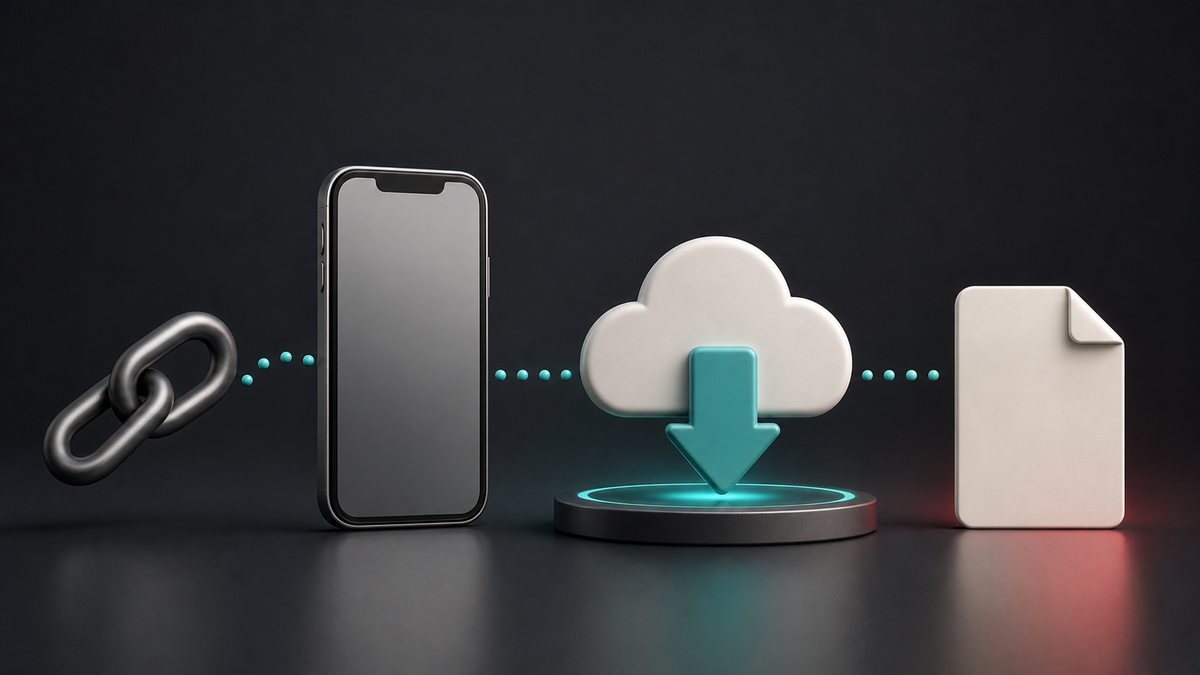
How to Download TikTok Videos Online
1
Copy the TikTok video URL
Open TikTok and find the public video you want to save. Tap Share and copy the video link, or copy the URL from your browser.
2
Paste the link
Paste the TikTok URL into the downloader field and wait while the tool checks the link and prepares the available download options.
3
Download the MP4
Preview the result and save the TikTok video in MP4 format.
Why Use This TikTok Downloader?
No Login Required
Download public TikTok videos without signing in or sharing your TikTok account details. Just paste a supported public link and start.
HD MP4 Quality
Save TikTok videos in the best available MP4 quality provided by the source video.
Fast & Easy Downloader
Copy, paste, preview, and download. The whole process is designed to be quick, clean, and easy for everyday use.
Works on All Devices
Use this TikTok video downloader on iPhone, Android, iPad, Windows, macOS, or any modern browser.
Key Features
Works in Your Browser
Download TikTok videos online from mobile, tablet, or desktop without installing an app, extension, or desktop program.
Free to Use
Save supported public TikTok videos for free. No premium plan, no subscription, and no hidden signup flow.
Privacy-Friendly Flow
The downloader does not ask for your TikTok password. Public links are processed only to prepare the requested download.
Best Available Quality
Download TikTok videos in the best quality we can retrieve from the public source video. Final quality depends on the original upload and what is available from the source.
No Signup Needed
Start using the TikTok downloader instantly. No account creation, no email form, and no complicated setup.
Who Is It For?
Creators
Download your own public TikTok videos for backups, editing, repost planning, content review, or personal archiving.
Social Media Teams
Save approved public TikTok video references for campaign tracking, reporting, competitor research, and content planning.
Editors
Collect public TikTok video references for editing queues, trend analysis, shot studies, and short-form video production research.
Researchers
Archive public TikTok examples for media monitoring, trend research, social listening, audits, and content analysis.
Available Formats
MP4 Video
Download supported public TikTok videos in MP4 format for easy playback on most phones, tablets, computers, and media players.
Best Available File
TVideo prepares the best available MP4 download from the supported public source link.
From the Blog
Learn how to copy TikTok links, download public videos on different devices, fix common downloader issues, and use saved videos responsibly.
Learn how to save public TikTok videos on Android as MP4 files without an APK or login.
FAQ
The downloader supports public TikTok video links and supported short links that redirect to public TikTok videos. Private videos, restricted content, deleted posts, and links that require login are not supported.
No. The tool works only with publicly available TikTok video links. Private posts, restricted accounts, deleted videos, or content behind login walls cannot be downloaded.
No. TVideo works directly in your browser. You do not need to install an app, extension, or desktop program.
Yes. TVideo is free to use for supported public TikTok video URLs. Temporary limits may apply to keep the service stable and prevent abuse.
The downloader provides the best available MP4 quality it can retrieve from the public source video. Final quality depends on the original TikTok upload and the available media version.
When a clean downloadable version is available from the supported public source, the tool may provide a video without an added watermark. If the original video already contains visible text, branding, captions, or overlays, they will remain part of the file.
Yes. TVideo works in modern mobile browsers on iPhone, iPad, and Android, as well as desktop browsers on Windows and macOS.
Downloaded files are usually saved to your browser or device Downloads folder, unless your browser asks you to choose another location.
It depends on your local laws and how you use the downloaded file. Only download content you own, have permission to use, or are otherwise allowed to copy for personal use.
Make sure the TikTok link is public, active, and supported. The video may not work if it is private, deleted, restricted, region-limited, or temporarily unavailable.
Only if you have the right to do so. TVideo prepares the file, but you remain responsible for copyright, creator permissions, and the rules of any platform where you publish or repost the content.