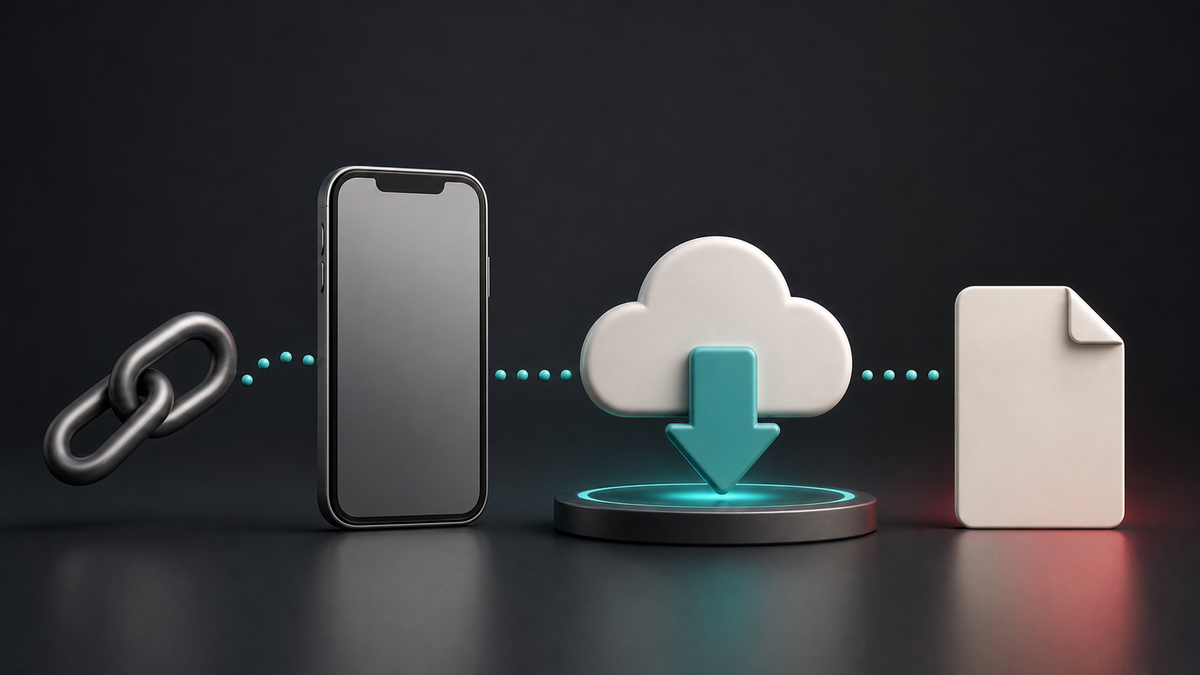
Downloading a TikTok video online is simple when you have a public video link. Instead of installing an extra app or browser extension, you can use an online TikTok video downloader to prepare the video directly from your browser.
This guide explains how to save supported public TikTok videos as MP4 files, what type of links usually work, and what to do if the downloader cannot process your URL.
Use our TikTok Video Downloader
What You Need Before You Start
To download a TikTok video online, you only need three things: a public TikTok video link, a browser, and a device with enough storage space.
The video should be publicly available. If the video is private, deleted, restricted, or blocked by the creator’s download settings, it may not be available for download.
Step 1: Copy the TikTok Video Link
Open TikTok and find the video you want to save. Tap the Share button and choose Copy Link. If you are using TikTok in a desktop browser, copy the video URL from the address bar.
Make sure you copy the full link. Short TikTok links usually work too, as long as they redirect to a public video.
Step 2: Paste the Link Into the Downloader
Go to the TikTok video downloader and paste the URL into the input field. The tool will check the link and look for available download options.
Paste your link into the TikTok Video Downloader
If the link is supported, you will see a preview or a download button. If not, check whether the video is public and still available.
Step 3: Download the MP4 File
Choose the video option and download the MP4 file. MP4 is widely supported by phones, tablets, laptops, media players, and editing apps, which makes it the most convenient format for saving short videos.
The final quality depends on the original TikTok upload and the version available from the public source.
Can You Download TikTok Audio Too?
Yes. If you only need the sound, music, voiceover, or audio idea from a public TikTok video, read the TikTok to MP3 guide instead of downloading the full video.
Common Reasons a TikTok Link May Not Work
A TikTok link may fail if the video is private, deleted, age-restricted, region-restricted, or unavailable. It can also fail if the platform has changed the way links are processed temporarily.
In most cases, copying the link again or opening the video in a browser first can help.
Read the troubleshooting guide
Final Tip
Use downloaded TikTok videos responsibly. Save your own content, videos you have permission to use, or public videos for personal reference. If you plan to repost or edit someone else’s video, always respect creator rights and platform rules.